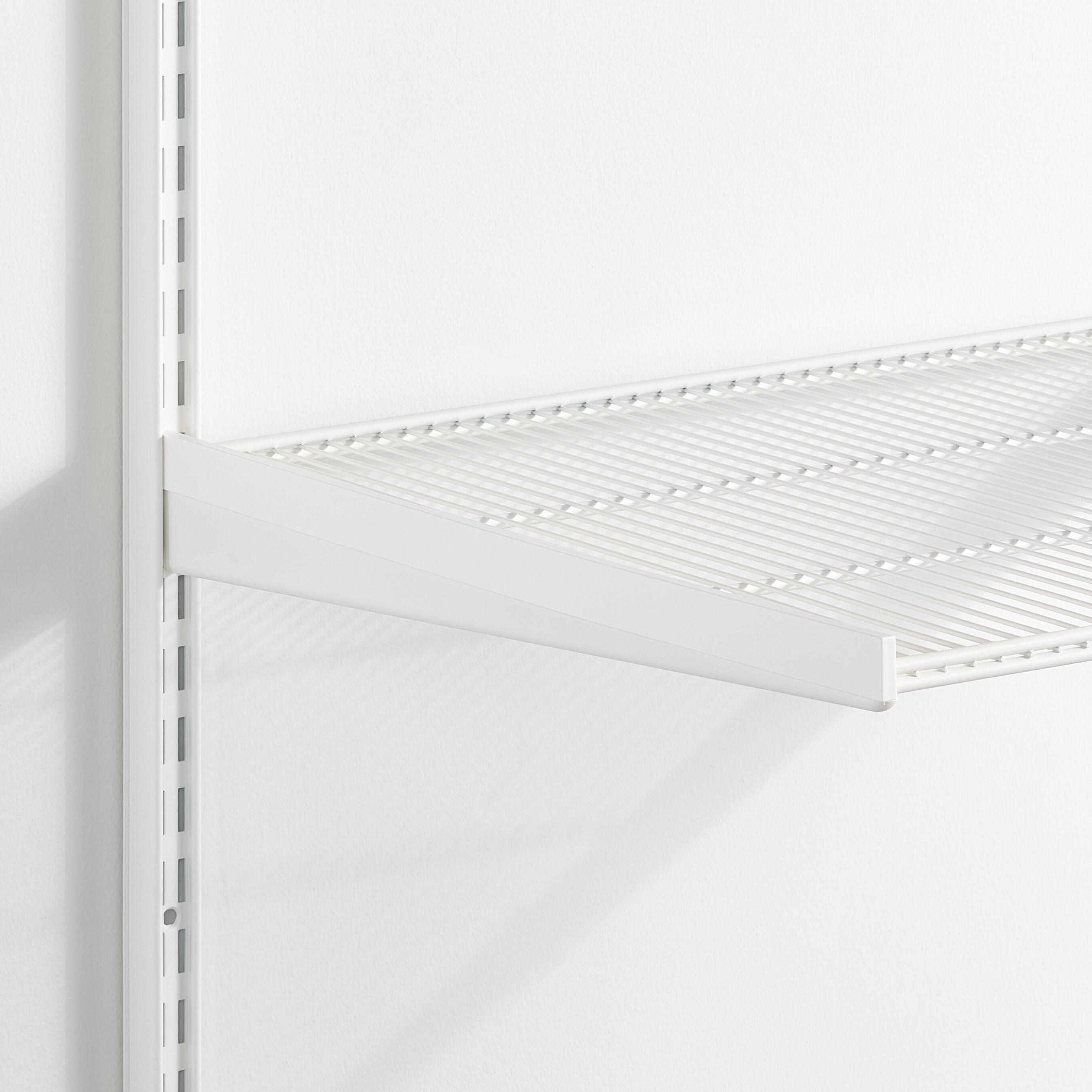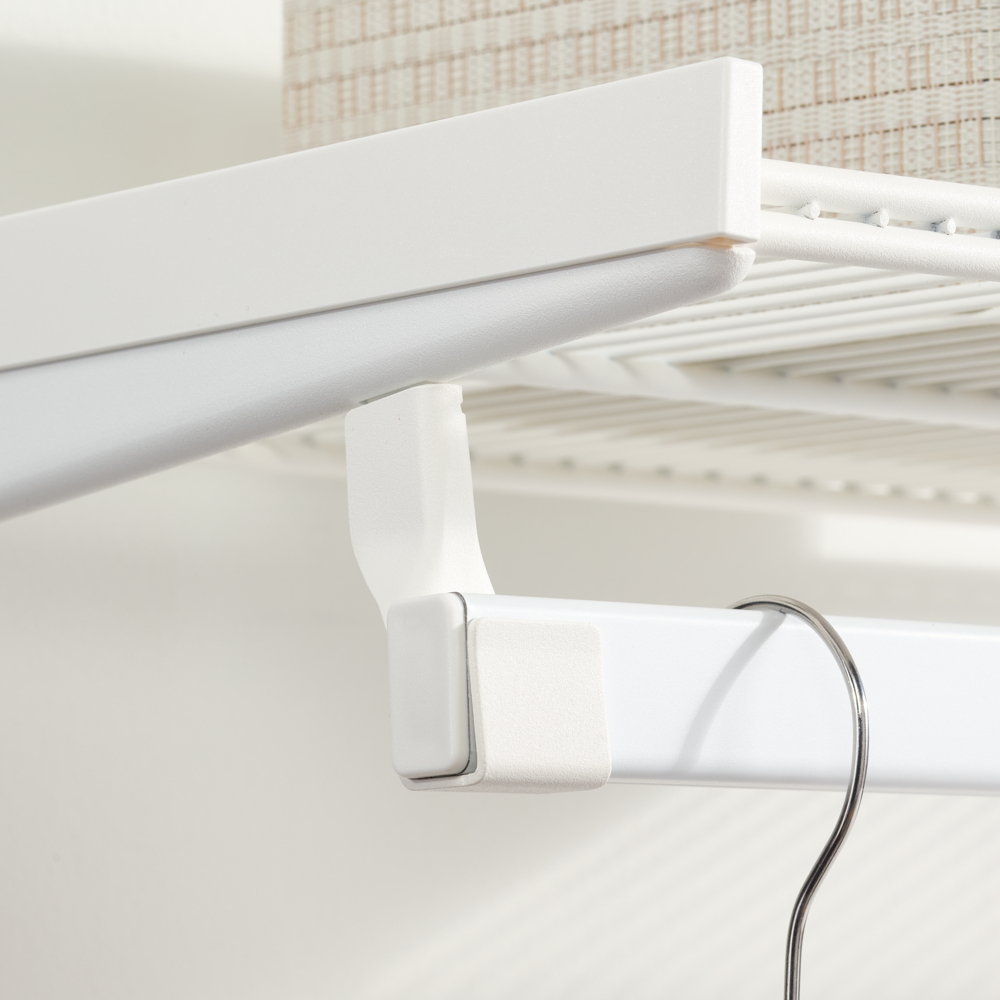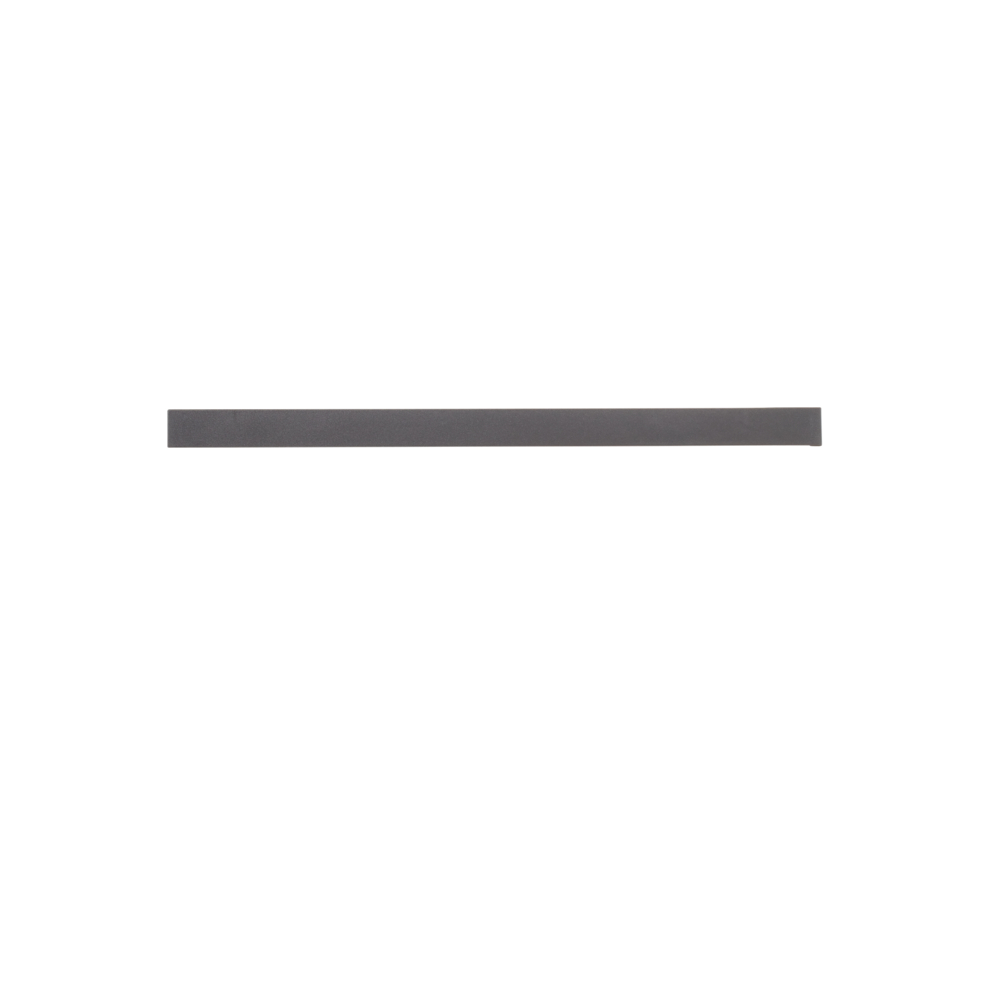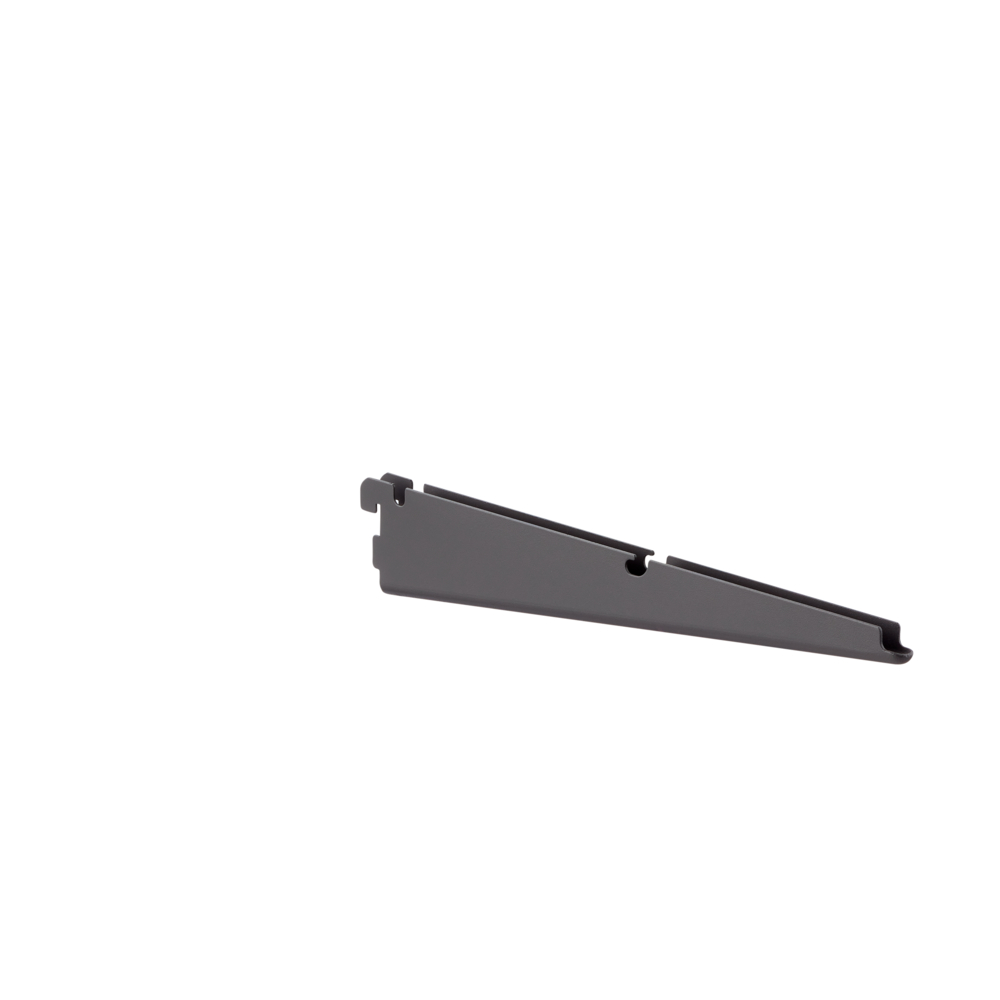
Elevate the aesthetics of your Garage+ system with the bracket cover. Designed to create a clean look and shield against dirt and dust, this cover clicks seamlessly into place on the bracket. Keep your setup tidy while adding a touch of style. Note that left and right bracket covers are not interchangeable.
Gives a nice finish to the bracket, when only one product is assembled in the bracket. Protects against dirt and dust. Come in a left and a right version.
Made from ABS plastic, available in a matching colour, and are easy to assemble and reassemble. Come in depths matching the bracket depths and can not be cut.
Has an outside extension that goes into the hang standard and fills up the empty space, as well as securing the bracket and bracket cover from tilting.
The ouside extension pieces can be removed (broken off) by hand when the bracket cover is placed next to an item that requires one slot in the hang standard.
Planning rules
<
Planning rules
When planning in Elfa Planner, the design tool will automatically add bracket covers.
If you are planning a solution without using the Elfa Planner, plan the bracket covers at the very end in order to see how many ""ends"" on brackets that aren't in use and therefore need a bracket cover to get a nice finish.
Be sure to choose the right depth, matching the bracket depth, and choose right/left cover depending on which side of the bracket that needs a cover. Left and right bracket covers are not interchangeable.
Safety and care
<
Safety and care
Safety
Note! Do not place Elfa products in direct contact with water.
Care
Wipe clean with a cloth dampered with a mild cleaner. Wipe dry with a clean cloth.
Assembly Instructions
<
Assembly Instructions
Before you start: Mount the bracket.
Place the outer edge of the bracket cover over the outer edge of the bracket. Push down from the back to the front to snap the bracket cover in place.
Elevate the aesthetics of your Garage+ system with the bracket cover. Designed to create a clean look and shield against dirt and dust, this cover clicks seamlessly into place on the bracket. Keep your setup tidy while adding a touch of style. Note that left and right bracket covers are not interchangeable.
Achieve a clean and organized look for your Garage+ system.
Shield your setup from unwanted dust and dirt.
Click-on design ensures easy setup, enhancing your workspace aesthetics.
Color
Specification
<
Specification
Elevate the aesthetics of your Garage+ system with the bracket cover. Designed to create a clean look and shield against dirt and dust, this cover clicks seamlessly into place on the bracket. Keep your setup tidy while adding a touch of style. Note that left and right bracket covers are not interchangeable.
Gives a nice finish to the bracket, when only one product is assembled in the bracket. Protects against dirt and dust. Come in a left and a right version.
Made from ABS plastic, available in a matching colour, and are easy to assemble and reassemble. Come in depths matching the bracket depths and can not be cut.
Has an outside extension that goes into the hang standard and fills up the empty space, as well as securing the bracket and bracket cover from tilting.
The ouside extension pieces can be removed (broken off) by hand when the bracket cover is placed next to an item that requires one slot in the hang standard.
Planning rules
<
Planning rules
When planning in Elfa Planner, the design tool will automatically add bracket covers.
If you are planning a solution without using the Elfa Planner, plan the bracket covers at the very end in order to see how many ""ends"" on brackets that aren't in use and therefore need a bracket cover to get a nice finish.
Be sure to choose the right depth, matching the bracket depth, and choose right/left cover depending on which side of the bracket that needs a cover. Left and right bracket covers are not interchangeable.
Safety and care
<
Safety and care
Safety
Note! Do not place Elfa products in direct contact with water.
Care
Wipe clean with a cloth dampered with a mild cleaner. Wipe dry with a clean cloth.
Assembly Instructions
<
Assembly Instructions
Before you start: Mount the bracket.
Place the outer edge of the bracket cover over the outer edge of the bracket. Push down from the back to the front to snap the bracket cover in place.